
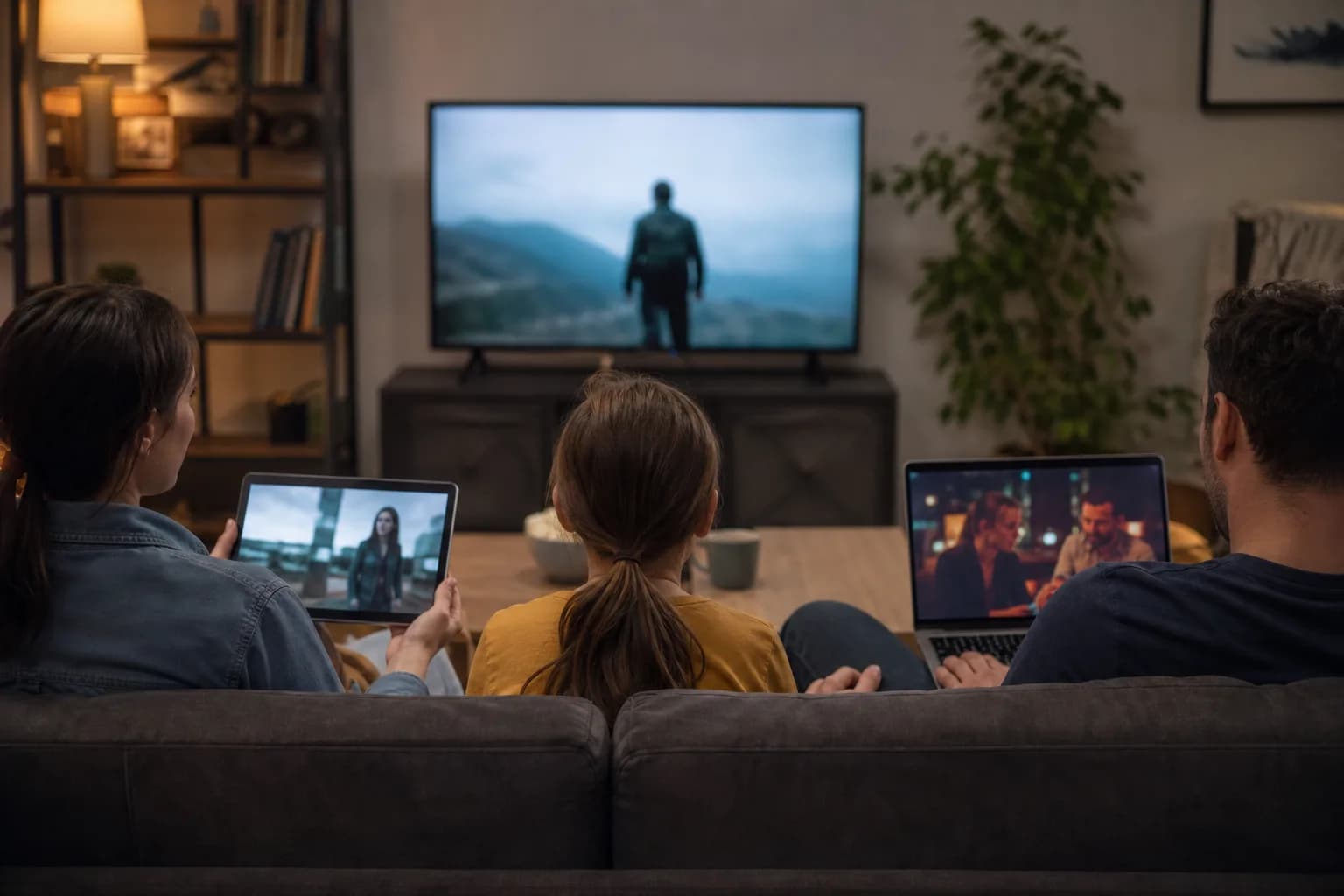
Yes, you can install an IPTV player on several compatible devices, but installations do not create extra simultaneous streams. A player may be set up on more than one screen, while the number of streams you can watch at the same time depends on the purchased connection count and provider rules. Treat those as two separate checks before planning a household setup.
Installed Devices vs Simultaneous Connections
An installed device is simply a phone, TV, streaming stick, tablet, or computer with a player app ready to use. You might install the same player on a living-room TV, a bedroom TV, and a phone so each is ready when needed. That says nothing by itself about how many can play video together.
A simultaneous connection is one active stream at a time. If a household has two connections, two screens can normally be planned for concurrent viewing; a third installed device can still be ready to use when one of the first two stops. Count the screens that may actually watch at once, not every device with an app installed.
How Much Bandwidth Do Multiple Streams Need?
Each concurrent stream shares the household internet connection with the others, as well as video calls, game downloads, cloud backups, and ordinary browsing. For conservative planning, MoviesNova's setup checker uses 10 Mbps per HD stream and 25 Mbps per 4K stream. Those are planning allowances, not a guarantee of playback, because source quality, Wi-Fi conditions, device performance, and activity elsewhere in the home also matter.
Add the allowance for the streams you expect to run together, then leave room for the rest of the household. For example, two HD streams call for more than 20 Mbps of available capacity once other activity is considered; one HD stream plus one 4K stream calls for more than 35 Mbps of available capacity. Test where the screens normally sit, especially if one uses weaker Wi-Fi or the household watches during busy evening hours.
Common Household Examples
- One TV and one phone: installing the player on both is convenient, but one connection is enough only when viewing is never concurrent.
- Two adults watching different programmes: plan for two simultaneous connections and test both streams together, rather than judging from one screen at a time.
- A TV, a tablet, and a child's room: three installed devices do not automatically mean three connections. Decide whether all three could be used at the same time on a typical evening.
- Mixed HD and 4K viewing: count the streams first, then allow more headroom for the 4K screen and for other activity on the home network.
Can You Watch Away From Home?
Installing a player on a mobile device does not answer whether it can be used away from home. Away-from-home viewing depends on the provider's current rules and technical setup, so confirm that point directly before relying on it for travel, a second residence, or a workplace. The connection count alone does not establish permission or suitability for a different location.
What Happens When You Exceed the Connection Limit?
Starting more streams than the connection count you purchased can prevent a stream from working as expected. The exact response, such as whether a new stream is refused or an active stream is affected, depends on the provider's rules and implementation. Avoid testing this by interrupting a programme someone is already watching; confirm the connection count before a busy household viewing period instead.
Questions to Ask Before Buying Extra Connections
Start with the number of simultaneous viewers, then compare it with the connection count you are considering. The current MoviesNova pricing data offers a one-to-five device selector. It calculates each additional Performance device at a 10% reduction from the base price and each additional Premium Plus device at a 15% reduction from the base price. Check the MoviesNova plans page for the current choices and total.
- How many screens are likely to stream at the same time?
- Which of those streams may use 4K, and which rooms have weaker Wi-Fi?
- What connection count is included with the option I am choosing?
- What are the provider's current rules for the locations and devices I intend to use?
- Would a shorter commitment help me confirm the household need first? The no-contract IPTV Canada guide covers that separate decision.
Test the Household Setup Before Paying
Run a realistic test: start the expected number of streams in their usual rooms, use the Wi-Fi or Ethernet connection each screen will normally use, and keep ordinary household activity running. Test at the time you are most likely to watch, not only beside the router when the home is quiet. A single successful stream is useful, but it does not prove a multi-stream evening will behave the same way.
Use the IPTV setup readiness checker as the primary planning step for the device, connection type, quality target, and stream count you expect. Then use the IPTV free trial checklist to structure the practical trial checks before you pay.
Premium IPTV for a Household: Compare the Whole Setup
Choose the service tier and connection count separately. A premium label does not give every installed device permission to stream at once. Start with the busiest realistic evening: for example, one person watching live TV and another watching a different programme in another room.
Check the Total, Not Just the Headline Price
In the current MoviesNova pricing model, the first connection uses the selected plan's base price. Each additional connection uses 90% of that base price for Performance or 85% for Premium Plus. Those reductions apply to additional connections, not the whole order. Confirm the total on the plan selector using the same duration and currency for both tiers.
For illustration only, a hypothetical 100-dollar base price would produce a two-connection total of 190 dollars with a 10% additional-connection discount, or 185 dollars with a 15% discount. Actual base prices differ between tiers; the discount alone does not make one tier cheaper.
Test the Number of Streams You Are Buying
Ask how many simultaneous connections are available in the trial. Do not deliberately exceed that allowance to simulate your future setup. If the trial has fewer connections than you need, treat the household test as incomplete and ask the team how to evaluate it appropriately.
Premium Plus includes team-managed streaming routing, but local bandwidth, room-to-room Wi-Fi and device performance still matter. Compare the two MoviesNova tiers and the premium offering before choosing. Request a trial with your expected simultaneous-viewer count so the team knows what you are trying to test.
Multiple-Device IPTV Questions
Can I install IPTV on more devices than I can stream on?
Often, installation and concurrent viewing are different questions. A player may be installed on several devices, while the purchased connection count determines how many streams can be planned at once. Confirm the provider's current rules for your setup.
Do two installed TVs require two connections?
Only when both TVs need to watch at the same time. If one screen is used after the other stops, the deciding factor is still the number of simultaneous streams, not the number of installed apps.
Will my internet connection handle several streams?
It depends on the quality target, Wi-Fi conditions, device performance, and other home traffic. Use conservative allowances, leave headroom, and test the expected streams together in the rooms and at the times that reflect normal use.
Is a faster plan the only answer to playback problems?
No. Weak Wi-Fi, distance from the router, an older device, and other household activity can also affect playback. Compare a wired or near-router test with the normal viewing location before changing an internet plan or connection count.