
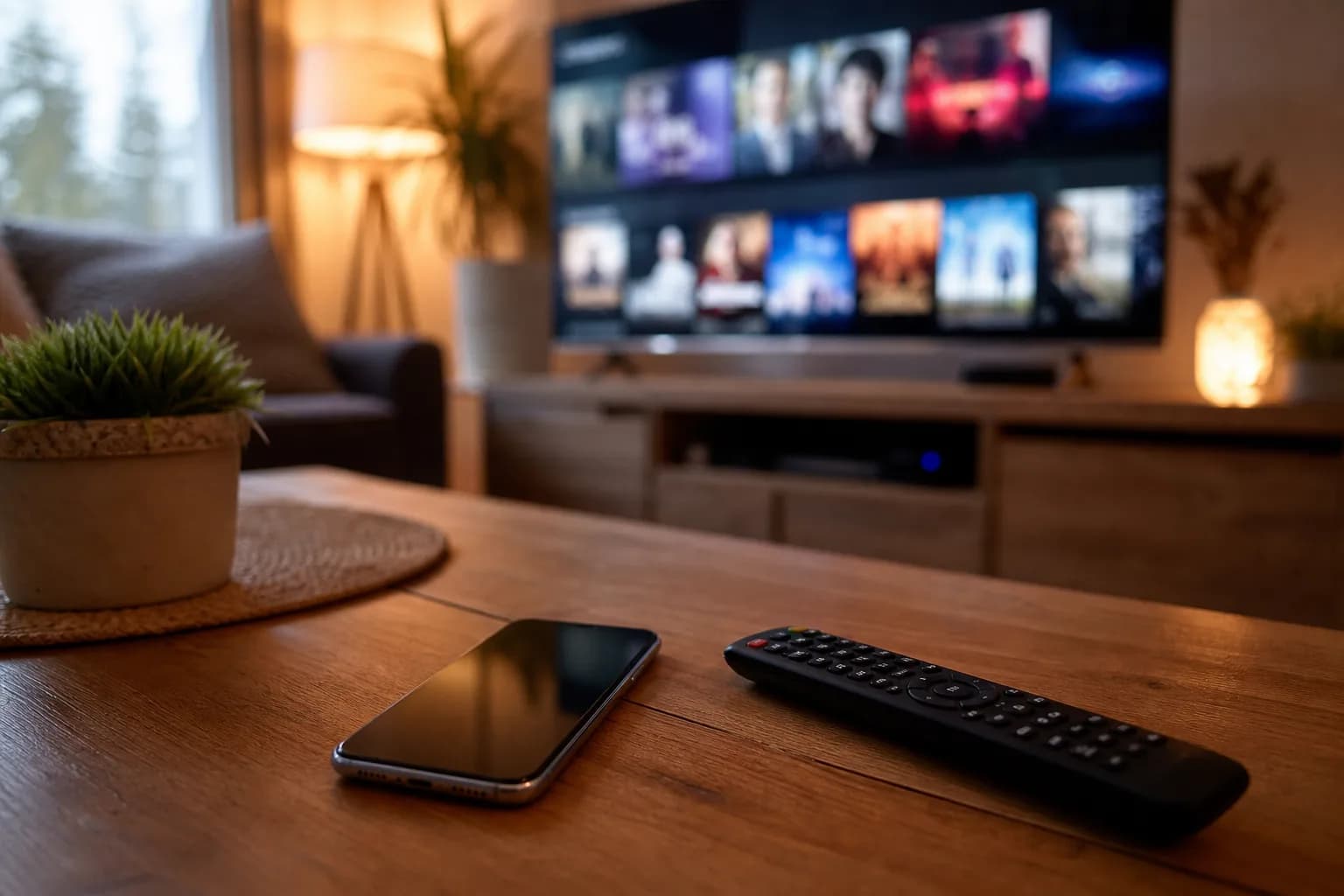
A MoviesNova IPTV free trial in Canada currently lasts 24 hours and does not require a credit card. Use it to test the channels, sports, movies, series, app, device, picture quality, and support response that matter to you before choosing a paid plan.
In this 2026 guide, we explain how IPTV free trials work in Canada, what to test during the current 24-hour window, and how to compare the result without treating a trial as a performance guarantee.
What Is an IPTV Free Trial?
An IPTV free trial is a limited test period. The current MoviesNova trial lasts 24 hours and lets you evaluate the service before paying. During the trial, you can test:
- Live TV channels (local Canadian, US, and international)
- Video on demand (VOD) movies and series
- Sports channels and pay-per-view events
- Streaming quality (HD, FHD, 4K)
- Electronic Program Guide (EPG) navigation
- Device compatibility on your smart TV, Firestick, phone, or computer
A free trial gives you evidence from your own setup before you commit to a paid subscription. It does not guarantee identical results for every channel, device, or viewing time.
Why Try Before You Buy
IPTV providers can differ in content, apps, support, terms, and performance on your setup. A free trial helps you evaluate:
Unreliable Streaming
Channel-count claims do not show how your must-have streams will behave. A trial lets you test real-world performance on your own device and internet connection before paying.
Missing Channels
Not every provider includes the channels you actually want. During a trial, you can verify that your must-have channels — whether it's TSN, Sportsnet, CBC, CTV, or international options — are available and working.
Poor App Experience
The IPTV app experience matters. A trial lets you test the interface, EPG layout, channel switching speed, and overall usability on your preferred device.
No Customer Support
Ask one clear setup question during the trial and note the response time and whether the answer helps you complete the task before committing.
What to Look for During Your IPTV Free Trial
Make the most of your trial period by evaluating these key areas:
Channel Quality and Stability
Switch between your must-have channels at different times of day, especially during prime time or a live event you care about. Record the available resolution and any pauses instead of assuming HD, 4K, or uninterrupted playback.
Channel Selection
Check that the service includes a comprehensive lineup of Canadian channels (CBC, CTV, Global, CityTV, TVA), US entertainment networks, premium sports (TSN, Sportsnet, ESPN, beIN), and any international channels you need.
VOD Library
Browse the video-on-demand section and search for the movies, series, languages, subtitles, and categories you expect to use. Catalogue size alone does not show whether your preferred titles are available.
EPG and Navigation
Test the Electronic Program Guide. It should be clean, well-organized, and show accurate scheduling information. Good EPG integration makes the IPTV experience feel as polished as traditional cable — or better.
Device Performance
Try the service on every device you plan to use — smart TV, Firestick, phone, tablet, or computer. Ensure the app runs smoothly, channels load quickly, and the interface is responsive on each platform.
Customer Support Response
Send one specific setup question to customer support during your trial. Note when they respond and whether the answer is clear enough to help; do not assume around-the-clock availability.
Before requesting the trial, use the IPTV setup readiness checker to review your device, app status, connection, quality target, and expected simultaneous streams.
How to Get an IPTV Free Trial with MoviesNova
To request the MoviesNova IPTV free trial, use the current form and keep your chosen contact route available for setup details:
- Visit MoviesNova — Open the free-trial form and submit your request
- Receive your credentials — Check the email address or WhatsApp number supplied with your request
- Install an IPTV app — Download a compatible player on your device (XCIPTV, Smarters, TiviMate, or any M3U-compatible app)
- Start testing — Enter your credentials and open the channels, VOD items, and app features that matter to you
No credit card is required for the 24-hour trial, and there is no automatic billing when it ends.
A Practical 24-Hour IPTV Free Trial Schedule
- First hour: sign in, let the guide load, open several must-have channels, and play one movie or series item.
- Peak time: repeat the important live-channel or sports tests when you normally watch and while normal household internet activity continues.
- Device check: use the Firestick, Smart TV, box, phone, tablet, or computer you expect to keep.
- App check: test search, favourites, the programme guide, channel switching, subtitles, and audio controls in the selected player.
- Support check: ask one specific setup or account question and note whether the response helps you complete the task.
- Final decision: compare your notes with the current price, connection count, payment path, and written terms before buying.
What You Get During the MoviesNova Free Trial
The MoviesNova trial lets you test the content and features available to the trial account. Verify each item you care about rather than assuming every plan, source, or title is identical.
Live Channels
Check the Canadian, US, UK, sports, news, kids, and international channels that matter to you. Availability can vary, so test specific must-have channels during the trial.
Movies and Series
Browse movies and series, then search for the titles, languages, subtitles, and categories you expect to use. On-demand availability can change by source and account.
Picture Quality and 4K Testing
Test the resolution available for the specific channels and titles you watch. Up to 4K may be available for some content, but the source, app, device, television, and connection all affect the result.
Sports Coverage to Test
Test the sports channels, leagues, teams, and events you care about, including one live event when timing allows. Do not infer coverage from a broad category label alone.
EPG and Catch-Up TV Checks
Check whether programme-guide and catch-up features are available for the channels you care about, then verify listings and playback during the trial. Availability can vary by app, source, and account.
Device Compatibility Checks
Test the device you plan to keep with a compatible app. Setup steps and feature support can vary by platform, model, player, and account.
Customer Support
Use the support route provided during the free trial for setup or troubleshooting questions, and include the device, app, and exact symptom when asking for help.
IPTV Free Trial vs. Paid Subscription — What's the Difference?
The MoviesNova free trial is a limited evaluation window. Use it to verify the channels, VOD, app features, and picture quality available to the trial account before choosing a paid plan.
Before purchasing, compare your notes with the 12-point IPTV provider-selection checklist, then review current durations, connection counts, and prices on the plans page.
Common Questions About IPTV Free Trials in Canada
How long is the IPTV free trial?
The current MoviesNova IPTV free trial lasts 24 hours. Start it when you have time to complete setup and repeat important checks during your normal viewing period.
Do I need a credit card for the free trial?
No. The MoviesNova free trial does not require credit card information. There are no automatic charges or surprise billing.
What if I leave the app or device field blank?
You can still request the free IPTV trial. When possible, tell support which device you plan to use so they can recommend a compatible player and setup path.
What should I test during the 24 hours?
Test your must-have channels, a peak viewing period, movies or series, the programme guide, your normal device and connection, the selected app, any expected simultaneous streams, and one support question.
What internet speed do I need?
Required capacity depends on the stream resolution, simultaneous streams, Wi-Fi conditions, device, and other household activity. Use the readiness checker and test from the room where you normally watch.
Can I use the trial on multiple devices?
You can check compatibility on more than one device, but simultaneous playback depends on the connection count available to the trial account. Confirm the limit before starting concurrent streams.
What happens after the trial ends?
Nothing happens automatically. Your access simply expires. If you enjoyed the service, you can choose a paid plan. If not, you walk away with zero charges.
Is IPTV legal in Canada?
IPTV is a way to deliver television over the internet. Whether a service or stream is lawful depends on content rights and how it is supplied, so use services only for content you are entitled to access and follow applicable laws.
How to Evaluate the MoviesNova IPTV Free Trial in Canada
Use IPTV free trials to compare evidence from your own device, connection, must-have content, peak viewing time, app, and support experience. MoviesNova provides a 24-hour window for that evaluation without requiring a credit card.
- Channel checks — Test the specific live channels you plan to watch
- VOD checks — Search for the movies, series, languages, and subtitles you need
- Picture-quality checks — Record the resolution available for your chosen content
- Support check — Ask one setup question through the supplied contact route
- No credit card — No card details or automatic billing for the trial
- Setup test — Record how the supplied instructions work on your device
Ready to Try IPTV in Canada for Free?
A trial is most useful when you test the setup you plan to keep and record the result before paying. Start the 24-hour window when your device and schedule are ready.
Start your free IPTV trial with MoviesNova and use the full test schedule before making a purchase decision.