
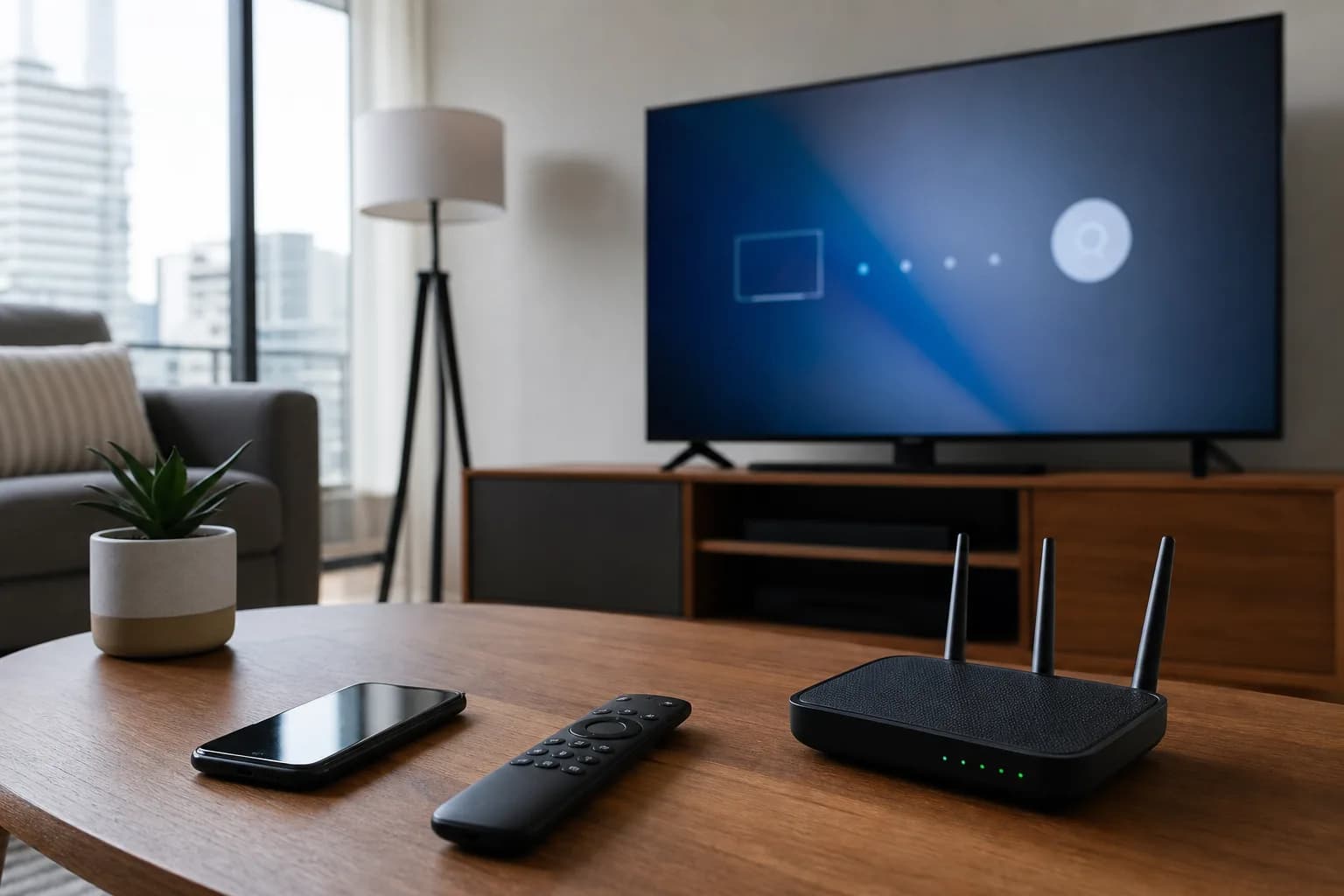
Many Canadian households want IPTV directly on a Smart TV without adding another box. That can work well, but the setup path depends on the TV brand, app store, and player you use. This guide explains how to think about IPTV Smart TV setup in Canada before buying a subscription.
MoviesNova supports Smart TV users and offers trial setup help. If you are not sure which app to use, request a free trial and choose your TV type or “Other” on the form.
Android TV is usually the easiest Smart TV path
Android TV and Google TV devices usually have the most flexible IPTV setup options. Many popular players are available, and app installation is often more straightforward than on closed Smart TV platforms.
If your TV is Sony, TCL, Hisense, Philips, or another model running Android TV or Google TV, choose Android TV / Box on the trial form. MoviesNova can guide you from there.
Samsung Smart TV IPTV setup
Samsung TVs use their own app store, so app availability can vary by country, model, and year. Some IPTV players may be available directly from the store, while others may not be supported on every TV.
During your trial, check whether your preferred app is available and whether it supports the login format you receive. If you are not sure, choose “Samsung Smart TV” on the trial form and ask for the recommended path.
LG Smart TV IPTV setup
LG TVs use webOS. Like Samsung, app availability depends on your TV model and region. Some IPTV players work well on LG, while other users prefer adding a Firestick or Android TV box for more flexibility.
If your LG TV app store does not have a good IPTV player, a Firestick can be a simple workaround. Our Firestick IPTV guide explains that option.
Should you use a Smart TV app or a streaming device?
Smart TV apps are convenient because there is no extra hardware. Streaming devices like Firestick or Android TV boxes can be easier to update, replace, and troubleshoot. The best choice depends on your TV, app availability, and how comfortable you are with setup.
- Use the Smart TV app if it is available, stable, and easy for your household.
- Use Firestick or Android TV if your TV app store is limited or the app feels slow.
- Use MAG only if you already understand that setup path or support guides you through it.
What to test on a Smart TV trial
Smart TVs can behave differently from phones and laptops. During the free trial, test:
- Whether the app opens quickly.
- Whether channel categories load correctly.
- Whether the TV guide is usable.
- Whether HD and 4K streams stay stable.
- Whether the remote control feels easy to use.
- Whether movies and series sections are easy to browse.
Common Smart TV setup problems
The most common Smart TV problems are app availability, old TV software, weak Wi-Fi, and difficult remote navigation. If you run into issues, support can often suggest another player or a better device path.
For general trial testing, use our IPTV free trial checklist.
Start with the right setup path
Before buying IPTV for a Smart TV, test it on that exact TV. Start a MoviesNova free trial, choose your Smart TV type, and use WhatsApp if you want the fastest setup guidance.