
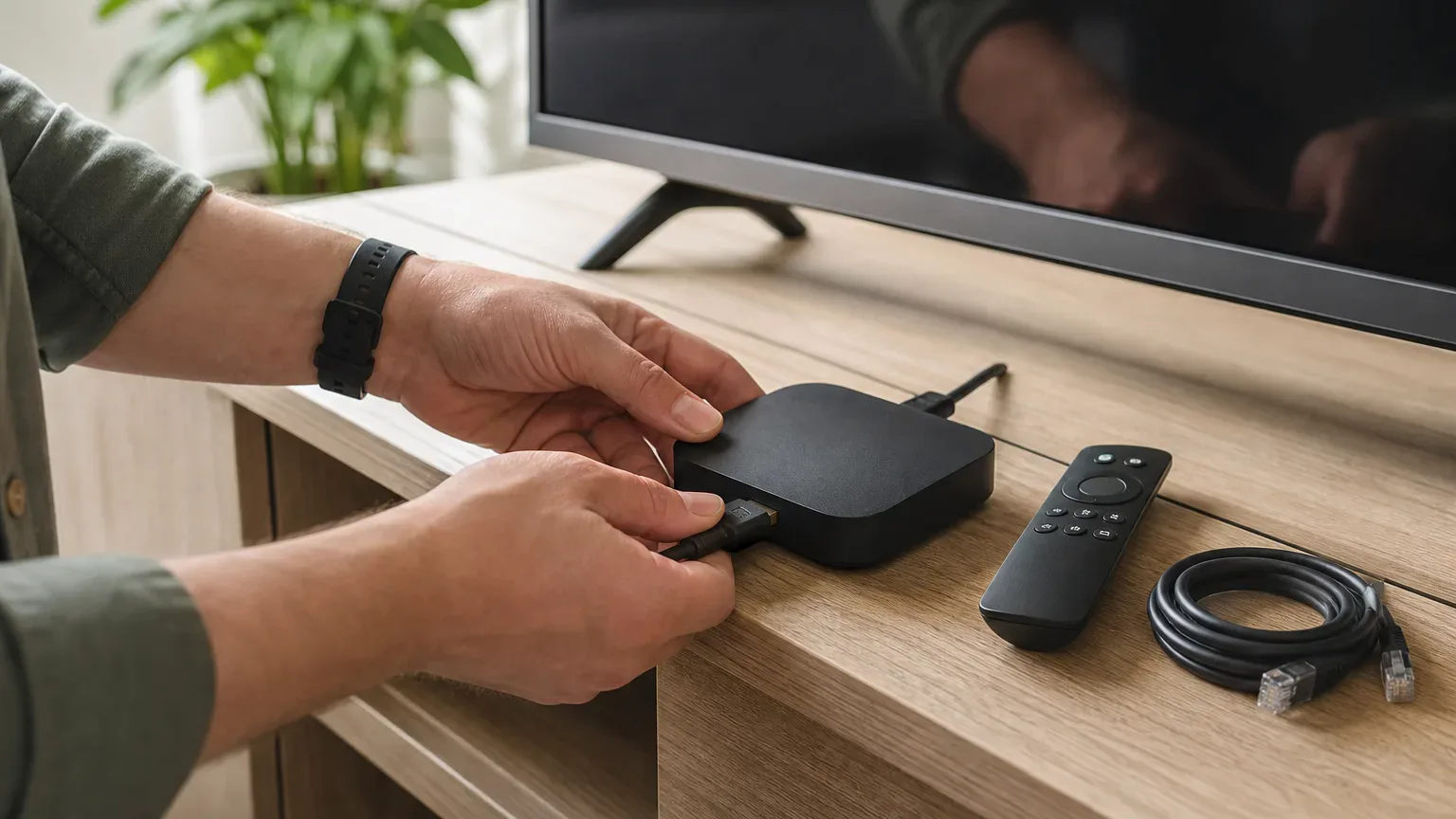
If your IPTV renewal is approaching, start with the reason you want to leave. Is playback unreliable at your usual viewing time, is support unable to resolve a problem, or does the plan no longer suit your household? A clear reason makes it easier to evaluate a replacement than simply searching for another provider with a bigger catalogue.
This checklist is for Canadian viewers comparing a new subscription with an existing one. It does not assume that switching providers will fix every issue. A local Wi-Fi or device problem can follow you to the next service.
Identify What Must Improve
Write down two or three specific requirements before starting a trial. For example: uninterrupted playback through your normal evening programme, understandable setup instructions for your TV, or a connection allowance that matches the number of people watching at once. Use observations rather than a vague promise of better quality.
If buffering is the main reason, follow the buffering diagnosis guide first. Compare another channel and, if possible, another device. Note whether the problem affects only one room or appears across the household.
Check the Existing Renewal Before Cancelling
- Find the expiry date and whether any recurring payment is enabled.
- Read the existing provider's cancellation and refund terms.
- Check whether an app licence is separate from the subscription.
- Keep your receipt and any relevant support conversation.
- Do not assume unused subscription time can transfer to a different provider.
A new subscription does not cancel the old one. Follow the old provider's own process if you decide to leave, and keep confirmation. Avoid committing to a replacement solely because a renewal deadline feels urgent.
Test the Replacement Under Comparable Conditions
Use the same TV, app where compatible, room, and connection type when evaluating an alternative. Similar conditions make the comparison more useful, although live streams can still change between sessions. Record viewing time and interruptions instead of relying on memory.
Our trial quality checklist gives you a repeatable scorecard. Confirm which service tier is being tested, especially if you plan to choose a premium subscription. A result on another tier is not evidence that your chosen tier will behave identically.
Confirm App and Account Compatibility
You may be able to keep the same player if it supports the new provider's login format, but do not assume credentials or settings transfer automatically. Ask what details you will receive and whether your existing device and app are suitable.
Some players support multiple accounts; others may require replacing an existing configuration. Check the app's instructions and keep needed details privately before removing anything. Never give a new provider the password to your old subscription. Read how apps and providers differ if the distinction is unclear.
Compare Quality and Total Cost Together
Check the currency, amount due now, subscription duration, connection count, and any separate player cost. A discounted annual equivalent is not the same as paying month to month. Make sure the plan fits before taking on a longer commitment.
If several people watch at once, use the simultaneous-connections guide to plan the subscription. Installing the app on several devices is not the same as permission to stream on all of them simultaneously.
What Managed Streaming Routing Means for Premium Plus
Premium Plus includes streaming routing managed by our team, giving us more control over how streams are delivered and allowing us to adjust routing when connection issues arise. Playback still depends on your internet connection, device, and service availability.
Think of routing as the path streaming data takes to reach you. Managing that path is one part of delivery, not a replacement for a stable home connection. It does not guarantee uninterrupted playback or mean that your Wi-Fi and device can never cause a problem.
If you are considering MoviesNova as your replacement, review the premium IPTV offering and tell the team what you need to improve. Ask about current plan differences rather than assuming Premium Plus is simply a larger channel list.
Make the Move After the Important Checks Pass
- Confirm the alternative works on the intended device and during a useful test session.
- Resolve outstanding questions about content availability, support, and plan terms.
- Choose the appropriate duration and connection count from the current plans.
- Follow the previous provider's cancellation process if required.
- Save the new account details securely and check the next renewal date.
There may be a short overlap between subscriptions if you choose to test before the old one expires. Decide whether that cost is worthwhile; neither uninterrupted migration nor a refund from the previous provider should be assumed.
Will switching fix buffering?
Only if the underlying cause changes. Weak Wi-Fi, an overloaded device, or app problems may remain. Diagnose and compare before paying.
Can I keep my favourites and guide settings?
That depends on the player and the new account's channel identifiers. Check the player's supported export or backup options; do not assume all favourites will carry over.
Should I buy a year immediately?
Choose the commitment that fits your confidence and budget after testing. A longer plan is not a substitute for resolving a concern.
Request a MoviesNova trial before deciding. Mention your intended plan and the issue you want to improve so the comparison focuses on your needs.