
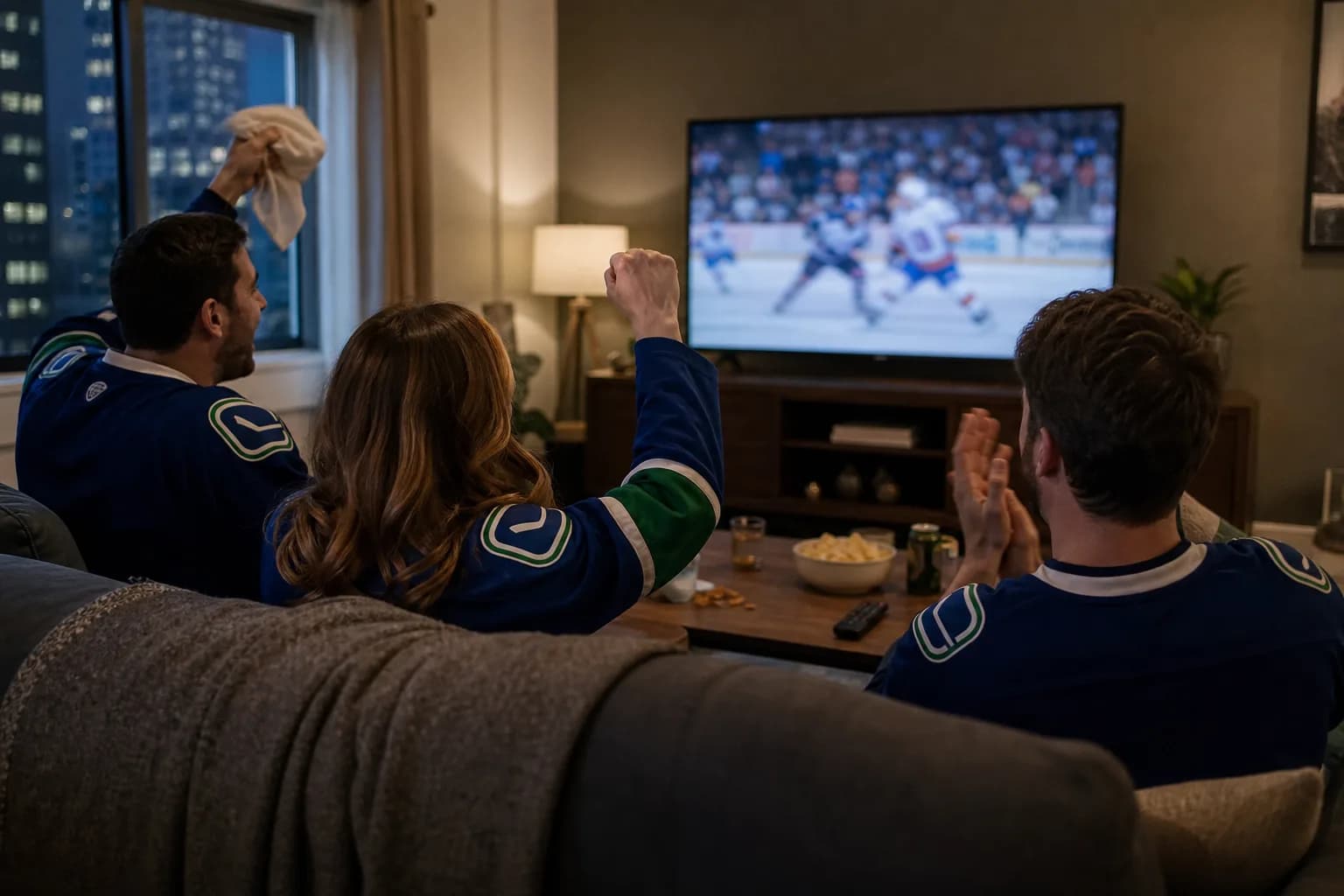
For IPTV viewing in British Columbia, a working picture is only the first check. The programme guide should match your local clock, the feed should be the one you intended to watch, and the service should work when your household actually sits down in front of the TV.
This matters when a listing uses an Eastern time, when a channel offers more than one regional feed, or when the player's guide is shifted. Use this local-time check alongside our free-trial checklist before choosing a subscription.
Check Your Device's Time Settings
B.C. announced a move to year-round daylight time in 2026, with the March 8 clock change intended to be the last for most of the province. The provincial announcement also explains regional exceptions. Check the current guidance for your community instead of applying one fixed setting to every B.C. address.
Keep the streaming device updated and select the appropriate location in its date-and-time settings. Then compare the device clock with your local clock before adjusting an IPTV app's guide offset. A device can display the right clock while a separate programme-guide setting remains wrong.
Is the Guide Wrong, or Is It a Different Feed?
These are different problems. If the actual programme is correct but the highlighted guide entry is an hour early or late, the guide's time conversion may need checking. If the programme itself is different, you may have selected another regional feed or a channel with a different schedule.
- Choose one programme with a published start time from the broadcaster.
- Read whether that listing uses your local time or another time zone.
- Compare the programme actually playing with the guide entry.
- Try a second channel to see whether the mismatch is widespread.
- Record the channel, time, and device before contacting support.
Do not change every guide setting after finding a single incorrect listing. One channel can have incomplete or stale data while the rest of the guide is correct.
Test the Viewing Window You Care About
If you follow an event that starts while you are at work, live access may not be enough. Ask whether replay or catch-up is available for that specific content and test it. A generic catch-up label does not establish that every programme can be watched later.
For sports, confirm the event, commentary, feed, and start time separately. The sports trial guide helps you build that shortlist. Do not assume a VPN, a larger package, or a different app guarantees access to an otherwise unavailable event.
Compare Playback in Your Normal TV Room
A result on a phone beside the router is not the same as a result on a television elsewhere in the home. Test the main screen with your normal household traffic running. If you use a streaming stick, check power, available updates, and the supported player using the Firestick setup guide.
Record one quiet-period result and one result from your usual evening. If only the second fails, compare household network use and several different streams before drawing a conclusion about the provider.
Decide What Is Essential Before Paying
- The regional feeds you actually want are identified and tested.
- The programme guide agrees with your location and viewing schedule.
- Any replay feature you rely on works for the specific programme.
- The intended television works under normal household conditions.
- The price, billing currency, connection count, and terms are clear.
Use those results to compare the current plans. To check before buying, request a MoviesNova trial and keep the guide-time test in your notes.
B.C. TV-Guide Questions
Should I always subtract three hours from an Eastern listing?
No. Confirm the date, the listing's time zone, and the current rules for your location. A fixed shortcut can be wrong when regions follow different seasonal clock rules.
Does a correct guide prove the stream will be reliable?
No. Programme data and video delivery are separate checks. Test both before treating the setup as ready.