
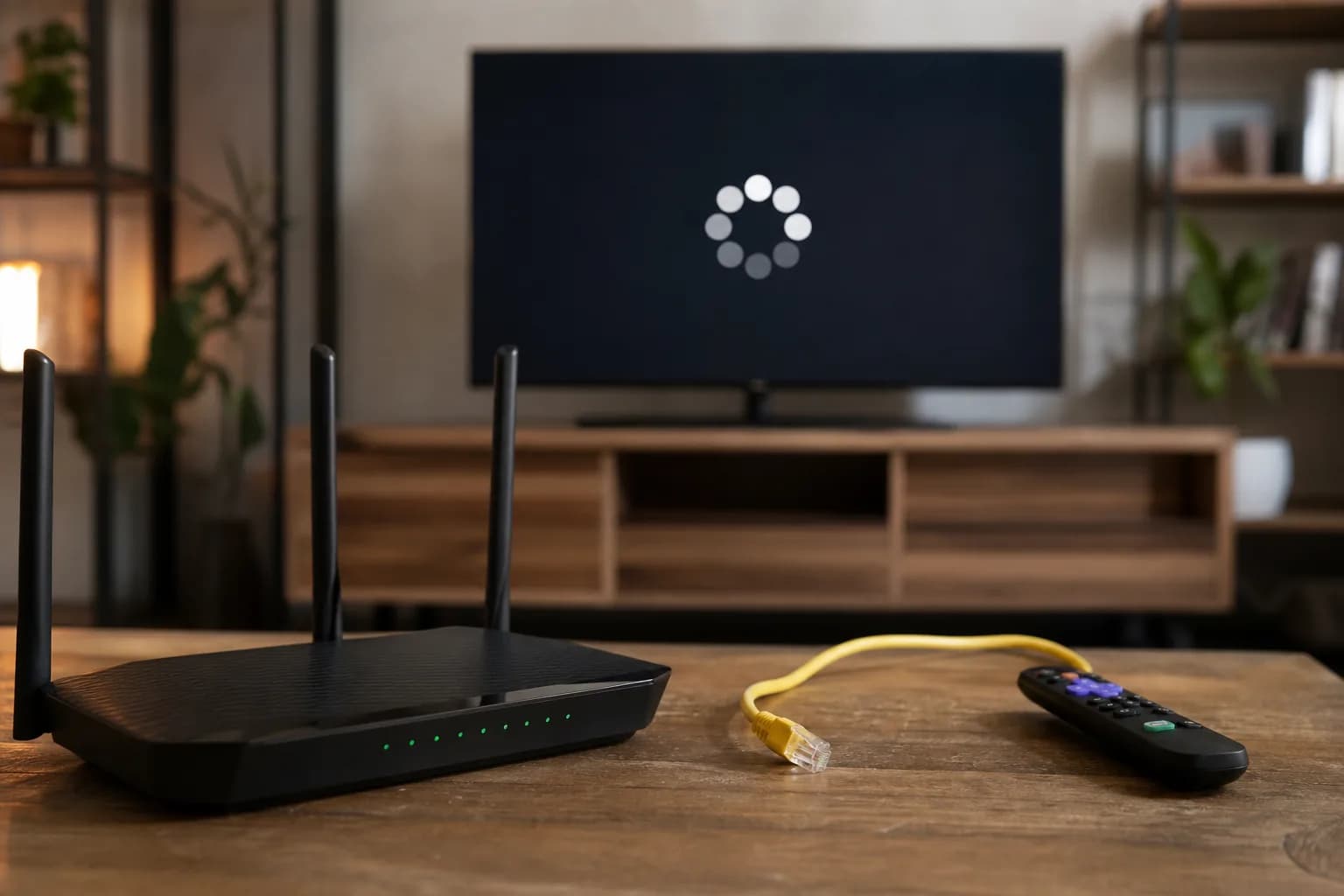
The most useful IPTV test in Manitoba is the one made at the address where you will watch. A demonstration on a friend's connection in Winnipeg does not establish what will happen on your own Wi-Fi, a rural fixed-wireless service, or a different device in Brandon. The subscription is only one part of the viewing setup.
Before committing to a plan, use the setup readiness checker to review the device, connection, and number of screens you expect to use. Then run the comparison below.
Identify the Connection You Actually Have
Check your internet bill or provider account for the connection type, data allowance, and any conditions that change service after a usage threshold. Do not rely only on the advertised maximum speed. If you are choosing internet for a new address, the National Broadband Map is a starting point for researching availability; confirm installation and current service with the internet provider.
Keep two questions separate: can an internet service be installed at your address, and does the connection you have deliver stable playback in your TV room? A coverage map answers neither question about a particular IPTV catalogue or provider.
Run a Three-Part Playback Comparison
1. Establish a quiet-household baseline
Use your intended TV and player. Pause optional downloads for one test and play several programmes for long enough to notice interruptions. Record whether the issue affects everything or just one stream. Do not change the app, router, and subscription simultaneously.
2. Separate Wi-Fi from the internet connection
Repeat the same content close to the router, or with Ethernet if your equipment supports it. If that improves playback, investigate the wireless path to the TV before paying for a faster internet package. If nothing changes, keep checking the device, source, and connection rather than assuming Wi-Fi is responsible.
3. Test the normal evening routine
Restore the household activity you normally have: another television, a video call, or a game download. Try the same room and channels again at your usual viewing time. The result under everyday load matters more than the best result from an empty house.
Keep a Small Test Log
- When: date, local time, and whether other household devices were busy.
- Where: room, Wi-Fi or Ethernet, and the device used.
- What: programme or channel and the type of interruption.
- Comparison: whether another stream or device worked at the same time.
A report such as "the living-room TV pauses on several streams over Wi-Fi, but Ethernet works" is more useful than "IPTV is bad in Manitoba." It narrows the fault without claiming that a province determines service quality. Our buffering diagnosis guide explains the next checks for each part of the connection.
Check Data Use Before a Long Subscription
If your internet plan has a data allowance, compare usage in the provider's account before and after a measured viewing session. Other devices can affect that total, so treat a short measurement as an estimate. Check what happens when the allowance is reached: extra charges, reduced speed, or a different policy may apply to your particular plan.
For a second property, repeat the tests there. A connection that works at home does not establish performance at a cabin, and using the same account at another address may have separate service conditions.
Make the Buying Decision
Once the connection and required content pass, compare subscription durations and connection counts. If the test remains uncertain, resolve the specific issue before choosing a longer term. You can request a trial for your Manitoba setup and follow the same log from the first session.
Manitoba Setup Questions
Can IPTV work on rural internet?
It can, but the answer depends on the actual connection, service, device, and usage conditions. Test at your address; neither a rural location nor a high advertised speed establishes the result.
Should I buy a new router first?
Only after a comparison points to a local network problem. Replacing equipment without isolating the cause can leave the same issue in place.