
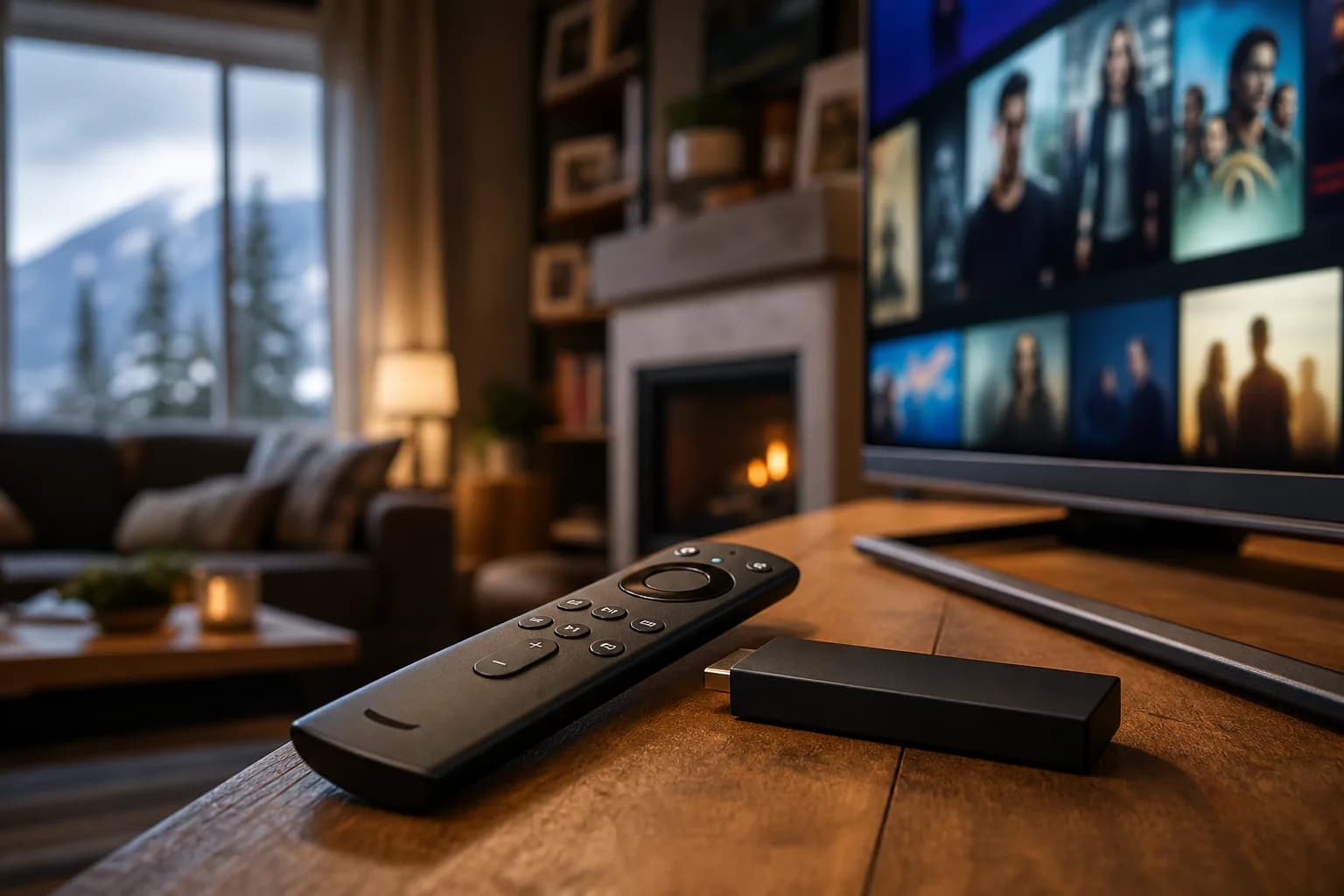
Before buying a Fire TV device for IPTV, confirm that your intended player runs on that exact model and operating system. A 4K label describes a capability of the device; it does not guarantee that a particular app is supported or that your subscription includes 4K sources.
If you already have a compatible setup and need installation steps, go to the Firestick IPTV setup guide. This page helps with the earlier decision: whether to use your existing TV, add a streaming device or choose another supported setup.
Fire OS and Vega Are Different Compatibility Checks
Amazon's Fire TV specifications identify the operating system and hardware for individual models. Check the current listing against the model you intend to purchase. Instructions written for a Fire OS device should not be applied automatically to a Vega device.
Before spending money, ask the player publisher or service provider whether your intended model is supported and how installation works. Keep the model name and generation together; similar product names can refer to different devices.
Compare Your Existing TV With an Added Device
| Question | Existing Smart TV | Separate streaming device |
|---|---|---|
| Player availability | Check the store for your exact TV model and region | Check the device's operating system and supported player |
| Navigation | Try the TV remote and guide layout | Try the supplied remote and player controls |
| Connection | Test at the TV's normal location | Check Wi-Fi and any supported wired adapter |
| Cost | Check app charges before buying | Add device, player and any necessary accessory costs |
A separate device is useful only when it solves a verified limitation. If the TV already runs an appropriate player and performs well in a trial, another purchase may not improve the result. Read the Smart TV setup guide before replacing equipment.
Check Connections, Storage and Updates
Confirm the television input, device power requirements, available storage and supported software updates. If you plan a wired connection, verify adapter compatibility rather than assuming any USB Ethernet accessory will work. Check the manufacturer's current requirements and return terms before purchase.
Assess the room where the device will run. A new streaming stick will not necessarily solve weak Wi-Fi behind a television or problems at the stream source. Use the readiness checker to identify what needs testing.
Keep the Device and Subscription Decisions Separate
A Fire TV purchase does not include a MoviesNova subscription. A player licence may be another separate cost, and each installed device does not automatically add a simultaneous stream. Review the app-versus-service explanation and household connection allowance.
Once compatibility is confirmed, set up the account with the main installation guide and use the Firestick trial scorecard. Choose a paid plan only after the device and service have been evaluated together.